
Productivity tools - 2026
Some tools are so ingrained in my workflow that it seems impossible to live without them! Here are my favorite tools at the beginning of 2026.
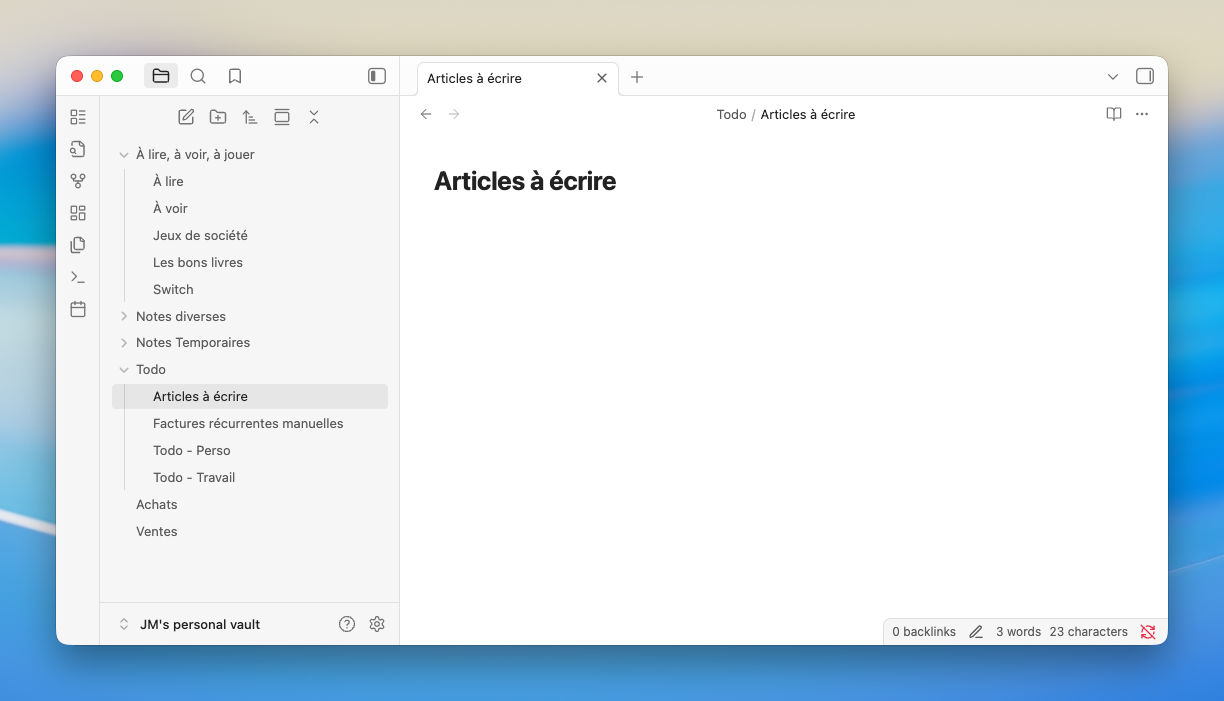
Note taking - Obsidian
Obsidian is a great free note-taking tool powered by the Markdown format. What I particularly appreciate is that there's also a mobile version that allows free cloud synchronization using the 5GB of storage offered by macOS.
Benefits:
- Based on the Markdown format.
- Powered by an ecosystem of extensions.
- Flat file storage system, compatible with most syncing services (iCloud, Dropbox, etc.).
- Option to use iCloud for free cloud-based syncing.
Screenshots - Shottr
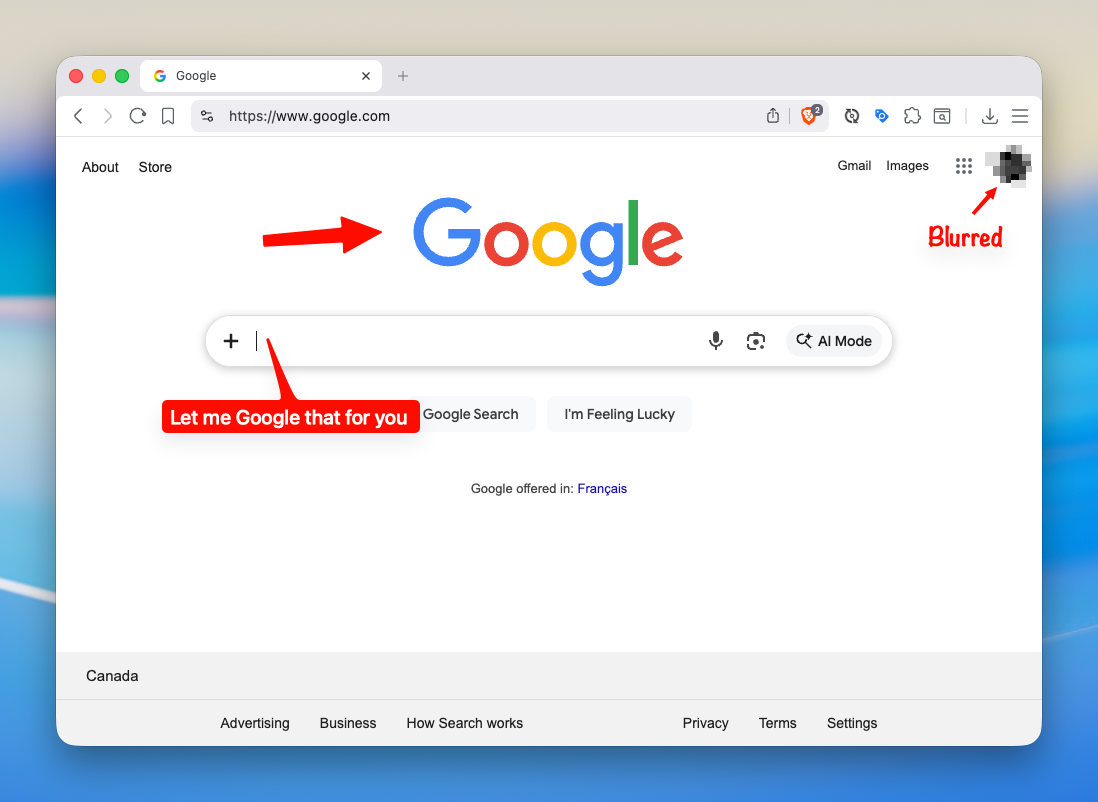
I take screenshots dozens of times a day, and Shottr has simplified all the related operations. In just a few seconds, the area to capture is selected, annotations are added, and the content to be hidden is erased.
Benefits:
- Integrates seamlessly with macOS.
- Adds arrows and text in seconds.
- Copies text from an image (
CMD+O). - Copies the hexadecimal code of a pixel (
TAB). - Drags the result directly into an email or message without saving it first.
- Adds a background to images based on the current wallpaper.
Password manager - 1Password
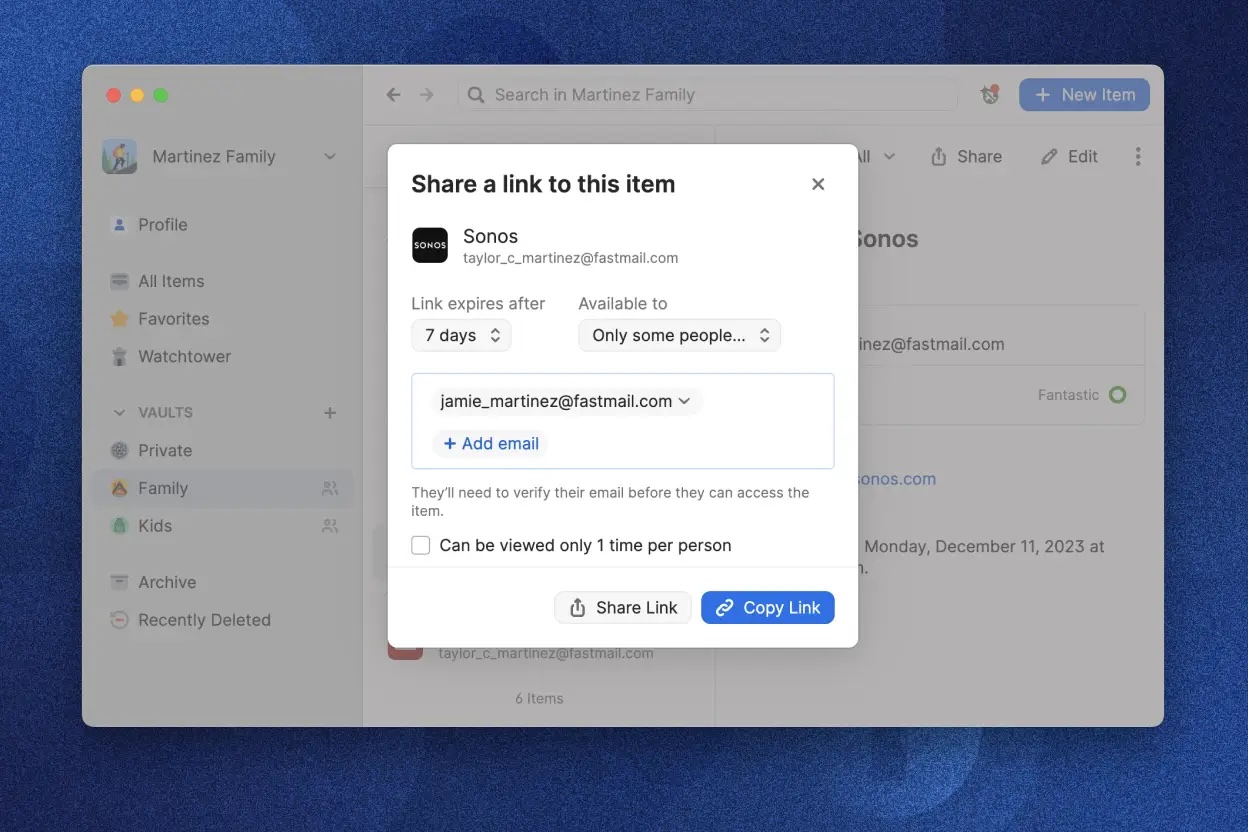
As a developer and business manager, I have to log in to dozens of external services every day. Each login contributes to my mental fatigue and potentially poses a security risk. Fortunately, 1Password has been coming to my rescue for several years now!
Benefits:
- Efficient management of Passkeys and TFA/MFA/2FA.
- Simple password sharing.
- Canadian product.
- Makes unique passwords usage very simple.
- Delightful double encryption approach that reduces the risk of data breaches.
Drawback:
- It is now impossible to do without the annual subscription.
App Launcher - Alfred
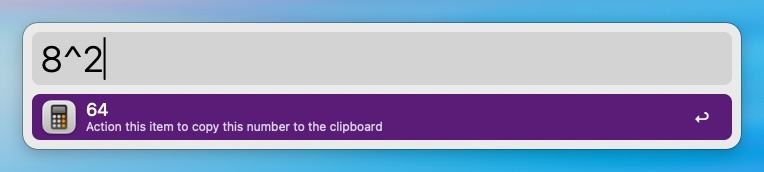
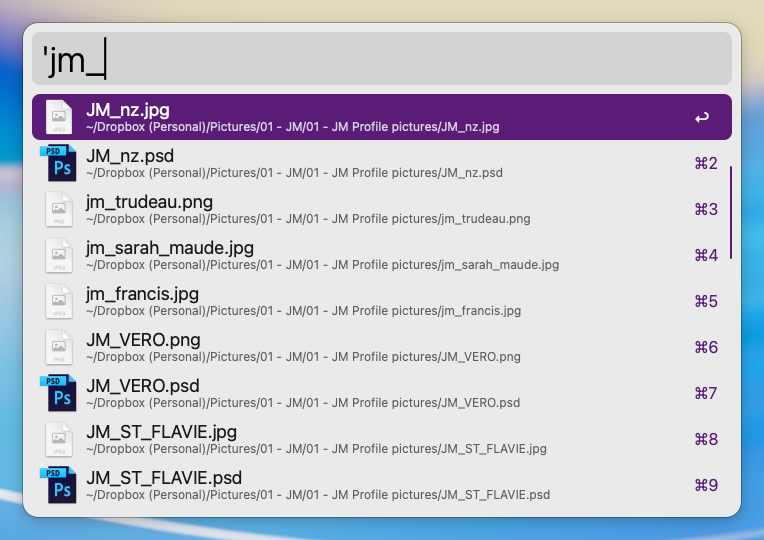
I use Alfred about 25 times a day. Using a keyboard shortcut, a text box appears where I can enter commands:
- Launching applications.
- Searching for files.
- Establishing an SSH connection.
- Performing mathematical calculations.
I save valuable time each time (especially when searching for files)!