

Working with Lottie files in web-based projects
Animations are very important in high-quality projects. Their accuracy is often crucial. Some team members are sometimes dedicated to their creation (motion designers), and as developers or integrators, an attempt to simply reproduce their intentions in code is not enough.
One of the most popular tools for creating high-quality animations is still Adobe After Effects. However, the export format for this type of software is limited to image sequences or video files: two formats that are poorly suited to the web for the following reasons:
- Large files and long download times.
- Loading delays (buffering) in non-linear playback (ex: seeking).
- Limited resolution and blurriness when enlarged (bitmap).
As a powerful alternative, the Lottie files where created.
What is a Lottie animation?
It's a JSON file (.json) that contains the components and instructions of an animation, rather than providing the final rendering. The data includes:
- Shapes (svg)
- Images (base64)
- Properties (position, scale, rotation, etc.)
- Keyframes
- Interpolations
- Etc.
Animations can be exported from an After Effects extension (originally called bodymovin). However, since this isn't a rendering, a library will act as a player and will render the animation in real time on the target platform. Libraries vary from platform to platform (Android, iOS, Windows, Web), but their purpose remains the same: to recompose the animation and generate the frames in real time from the data contained in the JSON file.
Historically, this approach was popularized by Airbnb with the Lottie for Web and bodymovin modules. These two modules are les used today, as LottieFiles take more and more space.
LottieFiles is a comprehensive suite of tools (including the After Effects extension, players for various platforms, and web viewers and editors) designed to modernize this approach. It is compatible with the JSON files, such as those exported by the original bodymovin extension. And it introduces the new .lottie or dotlottie file format: a binary format that offers the following improvements:
- State support: allowing, for example, to trigger specific animations in response to specific interactions.
- Additional optimizations:
.lottiefiles are smaller and load faster. - Inclusion of resources in a single file: the new file type allows you to include additional assets, such as fonts and images, in a single file. This reduces the number of requests required to run the animation, while also reducing file size.
How to create a Lottie animation
In most cases, animations will be created using one of these three methods.
After Effects
Using the extension, you can export an animation as a .lottie file. However, you must create the animation keeping in mind the limitations of Lottie files:
- Avoid filters and effects.
- Keep layers and groups organized.
- Prefer vector shapes to bitmap images.
- Use high-quality vector shapes that prioritize Bézier curves over a large number of points.
- Design the animation with the understanding that it may be resized and displayed on different screen types and resolutions.
Online Creator
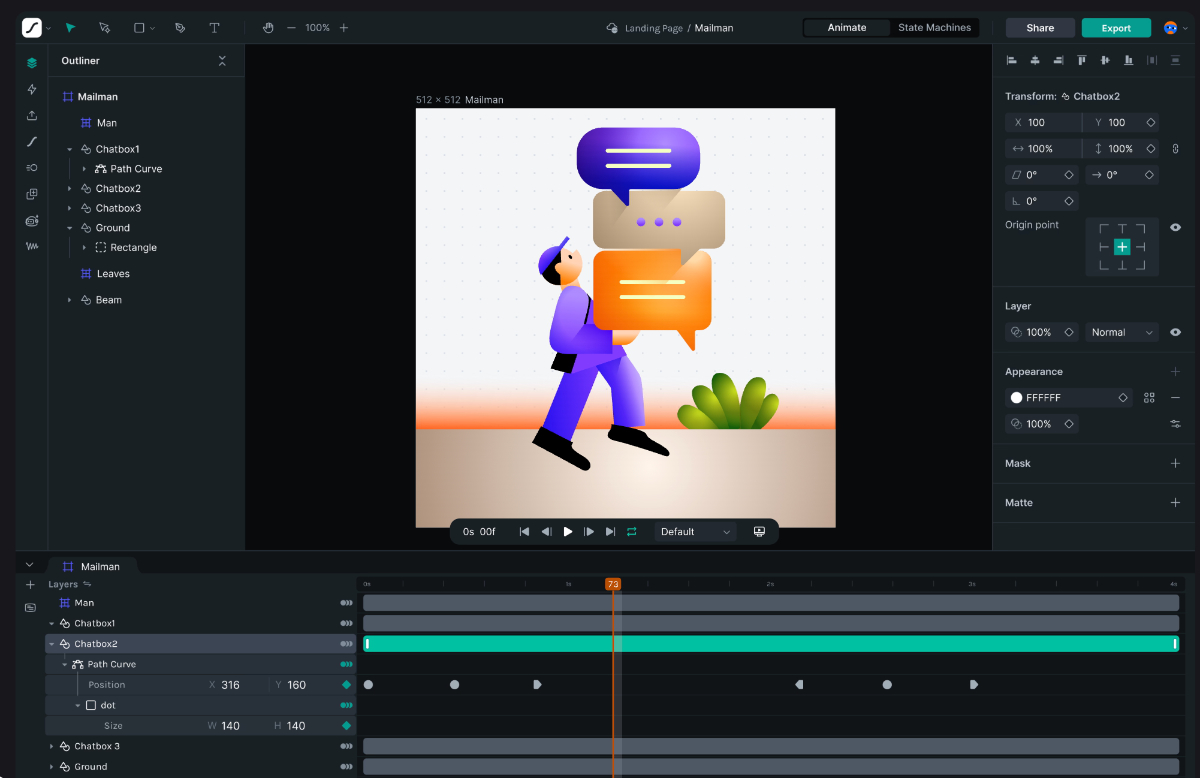
Recently, the team also launched a very comprehensive online editor. Simply named Lottie Creator, it's a fully web-based tool that appears to be very complete. It's possible to import SVGs and animate them directly from a web browser.
Figma
Finally, an extension for Figma allows you to create animations using presets or prototypes.
How to integrate a Lottie animation into a web-based project
Integrating a Lottie animation is quite simple thanks to the very efficient libraries that exist for each platform.
For web integration, the @lottiefiles/dotlottie-web module is recommended, as it is backward compatible with first-generation Lottie JSON files (bodymovin). Furthermore, development is still very active, and some specific integrations (such as with react) are available.
Basic integration can be as simple as:
import {DotLottie} from "@lottiefiles/dotlottie-web"

const lottie = new DotLottie({
  canvas: $("#my-canvas),
  loop: true,
  autoplay: true,
  renderConfig: {devicePixelRatio: 1},
  src: "animations/my_animation_1.json",
});
It is also possible to wait for the animation to load before performing certain tasks, for example before displaying an element where the animation is crucial:
lottie.addEventListener("load", () => {
  console.log("Animation ready. Show element as required here.")
})
Pro tip 1 - Using the Official Online Viewer
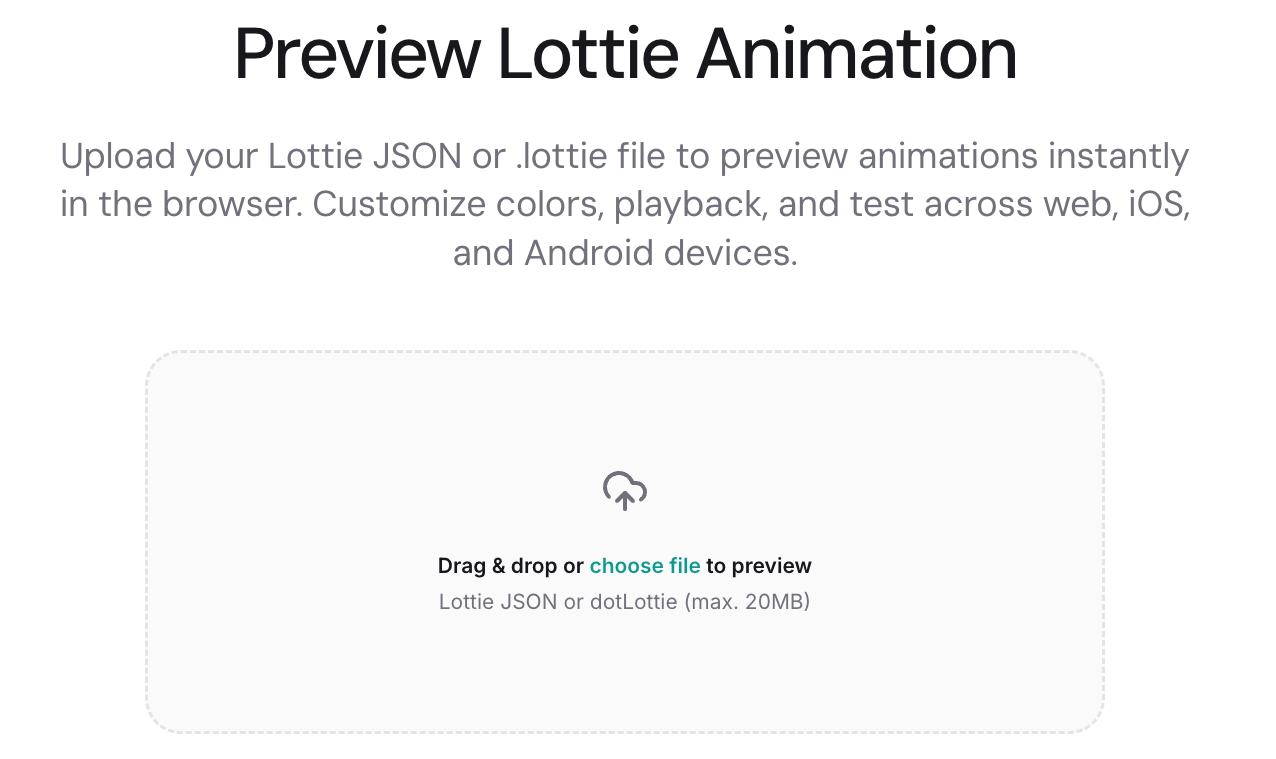
The online player Lottie Preview is a core tool the workflow. It serves as an ideal meeting point for team members. It allows motion designers to test their files independently of the programmer's or integrator's work.
Simply upload a Lottie file (.lottie or .json) to view it in a web browser. You can resize the window to test the rendering at different resolutions. This is very useful since some animations can appear more laggy when used at higher resolutions, depending on the complexity of the shapes and animations.
Pro tip 2 - Loading and preloading
If you want to manually trigger the playback of an animation (rather than using the autoplay initialization parameter), it's essential to ensure the file is loaded before using playback commands (such as play()).
Alternatively, you can use a preloading strategy that ensures all the elements necessary for the application (including Lottie animations) are fully loaded before starting the main application loop.
Pro tip 3 - Independent Library Hosting
The @lottiefiles/dotlottie-web module will load a WebAssembly file (.wasm): a highly optimized binary file that allows Lottie files to be processed more quickly and efficiently. By default, an external file will be loaded from a CDN.
While this helps limit the load on the web server, it also brings some challenges:
- Dependence on internet connectivity.
- Dependence on a third-party service over which we have no control.
- May violate personal data management policies since the external service can collect data.
This internet dependency can be a problem for standalone applications (such as Electron based applications). Internet connectivity is not always guaranteed, and the application needs to be as stable as possible. Therefore, this dependency must be removed.
To host the WebAssembly file (.wasm) yourself, use the static function DotLottie.setWasmUrl:
DotLottie.setWasmUrl("js/libs/dotlottie-player.wasm");
You must also ensure that the web server is properly configured to serve .wasm files. For example, on MAMP, you must add the following line to the conf/apache/mime.types file:
application/wasm wasm
Limitations
CPU Load
Lottie animations offer numerous advantages and benefits. However, their "unrendered" nature also has significant consequences. Rendering occurs in real time and every time the animation is displayed. Therefore, the CPU load of the device displaying the animation is higher.
High-Resolution Smoothness
Using SVGs is resource hungry for high-resolution rendering (or on high-density Retina style displays). Consequently, on less powerful computers, the animation often has low frame rates. Lottie is best suited for smaller animation (lower resolutions).